In the Loop· September 13, 2026
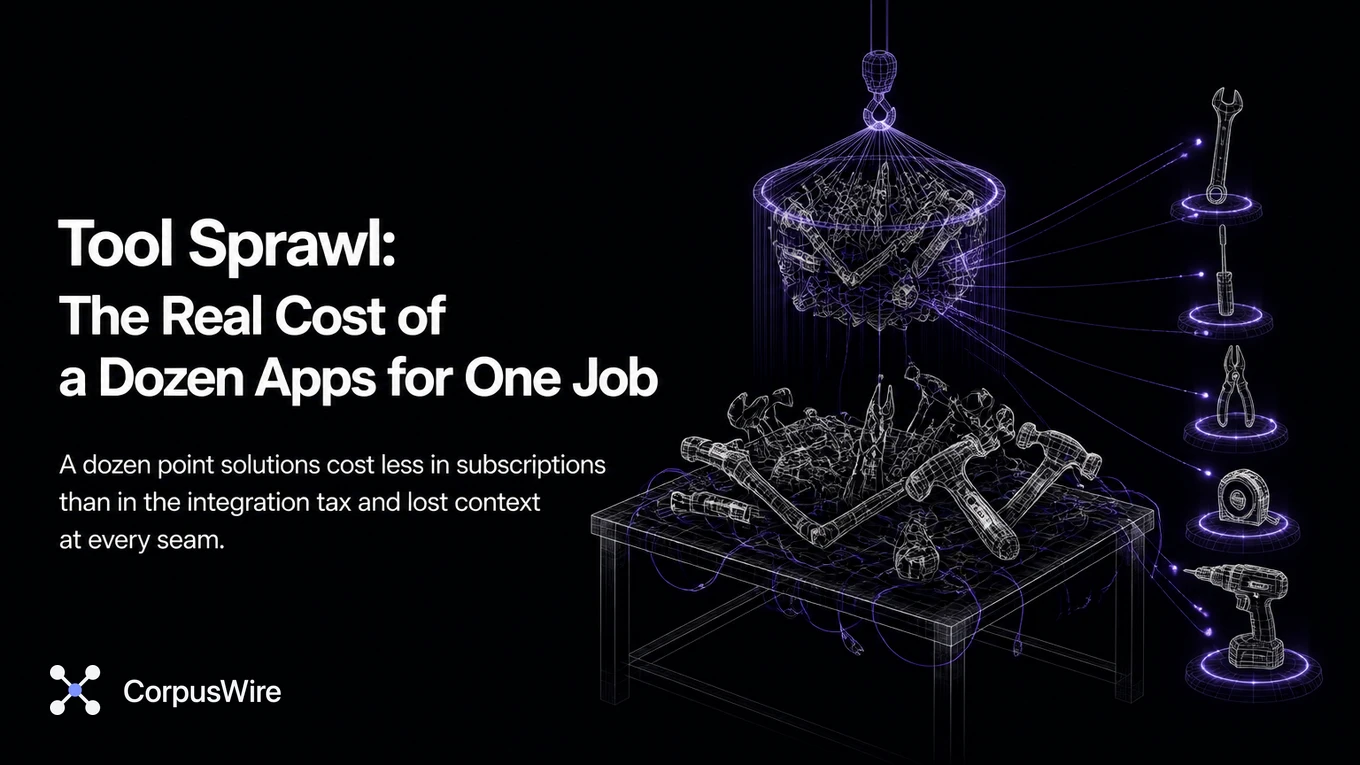
Tool Sprawl: The Real Cost of a Dozen Apps for One Job
You added an AI tool to fix a problem. Then another one, for a different problem. Then another.
Each one made sense on its own. None of them made you stop and add up what you were now running.
That’s tool sprawl: a dozen point solutions doing pieces of one job, each with its own subscription, its own login, its own place your data half-lives.
The subscriptions are only part of the cost, and they add up fast when nobody’s auditing them. The bigger cost is the integration tax. Every new tool needs to talk to the others, or it doesn’t, and then someone’s manually moving data between them.
It’s also the fragmentation itself. Every point solution added to fix one gap creates a new seam, a new place where context gets lost moving from one tool to the next.
One team adds a scheduling app because coordinating meetings across time zones got painful. Reasonable, on its own, and that’s usually how this starts.
A few months later, a different team adds a form tool because their intake process needed automating. Also reasonable, also decided in isolation, by people who had no reason to know about the scheduling app.
Neither team did anything wrong. Nobody sat down and decided the company should run fourteen subscriptions for scheduling, forms, and everything in between. It happened one sensible decision at a time, and that’s exactly why it’s so easy to miss until someone finally adds it up.
Before cutting anything, run the audit. List every tool, what it costs, and what it does day to day, not what it was bought to do.
Check whether two tools on the list do the same job.
Few teams have ever sat down and done this properly. The list is usually longer, and more expensive, than anyone guessed, and the surprise usually isn’t the total cost so much as discovering two teams paying for nearly identical tools without knowing the other existed.
The audit itself is more mechanical than people expect. Pull every recurring charge from the finance system, match each one to whoever actually uses it, and ask that person one question: what does this replace if it disappeared tomorrow?
Answers cluster into three groups fast. Tools nobody can explain, which are the easiest cuts. Tools that overlap with something else on the list, which need a decision about which one survives.
The third group is tools that are genuinely load-bearing, which the audit isn’t targeting at all.
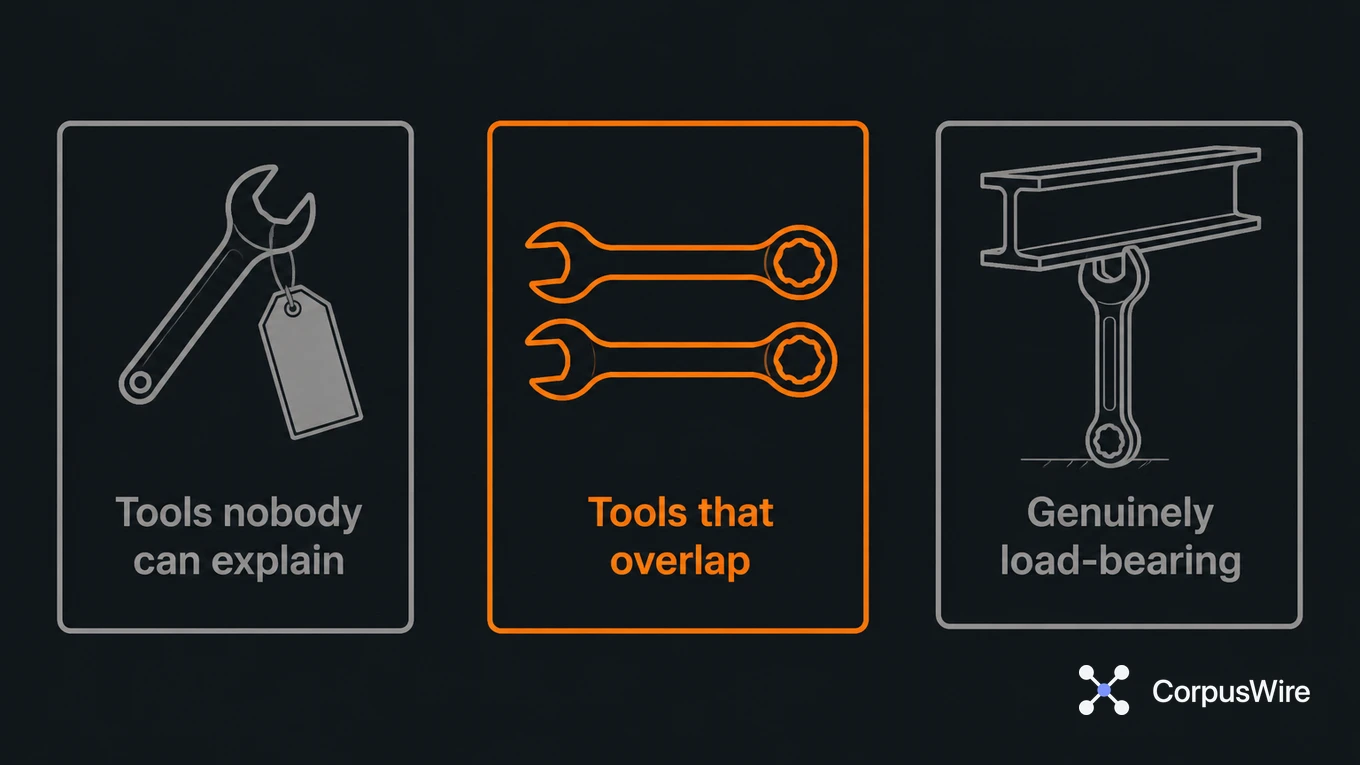
The overlap category is where most of the real savings live, and it’s also the most uncomfortable one to resolve. Cutting a redundant tool means telling a team that’s used it for a year to switch to something else, and that conversation is where audits usually stall out.
It stalls because the request sounds like a demotion of the tool they picked, when it’s just consolidation. Framing the conversation around the shared cost, not the team’s judgment, tends to get further than framing it as a correction.
Consolidation doesn’t mean forcing everything into one giant platform that does all twelve jobs badly. It means being deliberate about which gaps need a dedicated tool and which ones a tool you already pay for could cover with a little more setup.
An AI assistant already wired into your document store can often handle drafting, summarizing, and answering questions, three jobs that might otherwise justify three separate subscriptions. The goal here is fewer seams, not fewer tools for its own sake.
Every seam is a place where something gets lost: a customer’s context, a document’s current version, an integration that quietly broke three months ago and nobody noticed because nobody was watching that connection specifically.
Fewer tools means fewer seams to watch, fewer places for something to quietly drift out of sync, and fewer logins for someone to forget to revoke when they leave. That last one isn’t hypothetical. A departing employee’s access to fourteen scattered subscriptions is a real, ordinary security gap, not an edge case.
There’s a timing question worth answering honestly before you start the audit: is this a cost-cutting exercise or a risk exercise? The two produce different priority lists, and conflating them tends to stall the whole effort.
A cost-cutting audit starts with the most expensive tools and works down. A risk audit starts with whichever tools touch sensitive data and works out from there, regardless of price. Both are legitimate reasons to run the exercise, but starting without picking one usually means the audit drifts into whichever conversation is loudest in the room.
Ownership matters as much as the list itself. Every tool needs one named person responsible for knowing why it exists, what it costs, and whether it’s still earning its place.
A forgotten tool survives every audit, justified or not.
That ownership doesn’t need to be a heavy process. A single column on the audit spreadsheet, one name per tool, is often enough to change behavior on its own. People treat a subscription differently once their name is next to it.
The instinct to add a new point solution the next time a problem shows up doesn’t go away just because the audit happened once. What changes is whether that decision gets made against a visible list or in isolation, the way the scheduling app and the form tool both were the first time around.
Building that check into how new tools get approved is what keeps the audit from being a one-time cleanup. Even something as simple as “does this overlap with anything already on the list” stops the exact same sprawl from rebuilding itself a year later.
FAQ
Isn’t adding a specialized tool for each problem usually the right call? Sometimes. The problem is nobody revisits the decision once the tool’s in place. Twelve individually reasonable choices can still add up to an unreasonable total.
What should the audit actually track? Cost per seat, what the tool does that others on the list don’t already cover, and how much manual work goes into connecting it to everything else. That third one is usually the biggest number nobody’s counted.
How often should a tool audit actually happen, once it’s done the first time? Annually is a reasonable default for most teams, though anywhere growth or reorganization is fast, every six months catches overlap before it compounds. The first audit is always the hardest because nothing’s been tracked; every one after that is faster since the list already exists.
Want this running inside your own org?
Happy to show you how this fits your setup. 30-minute call, your documents, no prep needed.
Book a call →