In the Loop· September 12, 2026

AI ROI: How to Actually Measure It, Not Guess
Most teams using AI tools can’t answer a simple question: is it actually paying off, or does it just feel productive?
That’s a fair thing to be unsure about. DevStark’s own published figures put average returns at $3.5 to $4 for every $1 invested in AI-based knowledge systems, a number worth having in mind before you expand a pilot into a team-wide rollout.
That figure is an average across many organizations’ AI-in-knowledge-management spending, not a guarantee for any specific team. It’s a useful benchmark to measure against, not a number you can assume applies to your own setup without checking.
The figure itself comes from IDC and Deloitte research that DevStark aggregated, not DevStark’s own primary study.
A 20-user team started with individual, ad hoc AI use: no tracking, no shared plan, just people using whatever tool they liked, however they liked, whenever it seemed useful. What changed for them is the kind of tracking that makes the ROI question answerable, illustrative of the method rather than a completed case study with a final number attached.
The shift that made ROI measurable wasn’t a bigger AI budget. It was moving to a shared team plan with actual tracking, in this case through Linear, so usage and outcomes were visible instead of scattered across twenty individual accounts.
In practice, that meant tagging AI-assisted work with a shared label as it happened, not reconstructing it later from memory. Every ticket touched by an AI tool got the tag, whether that meant a drafted first pass, a debugging assist, or a summarized research pull.
Once usage is visible, the ROI question stops being a guess. You can see what got used, by whom, on what, and weigh that against what it cost.
Without that visibility, the same 20-user team would be stuck comparing a vague sense of “feels faster” against a real invoice. That’s exactly the mismatch that makes AI spend so hard to justify to anyone who wasn’t in the room when the work happened.
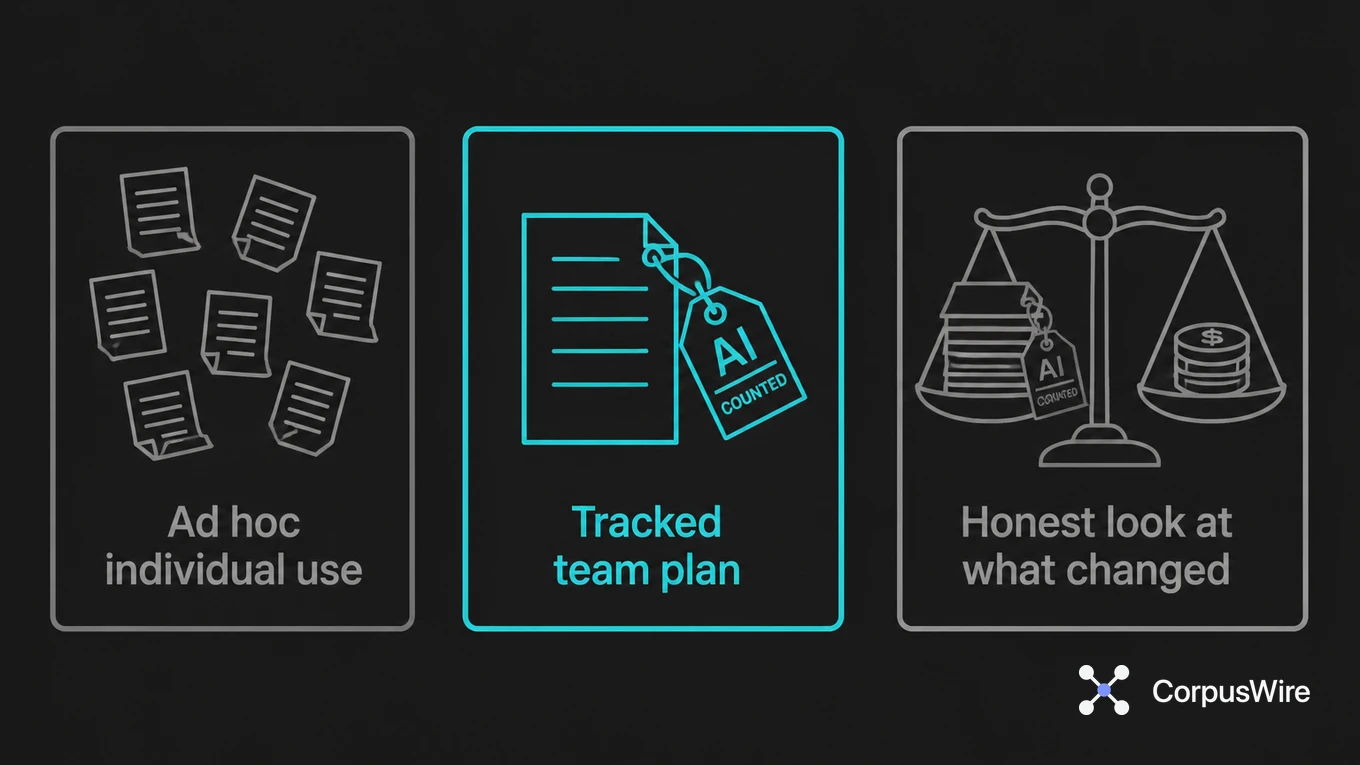
That’s the whole method. Not a formula. A before-and-after: ad hoc individual use, then a tracked team plan, then an honest look at what changed.
The tracking doesn’t need to be elaborate to work. A label on a ticket and a monthly count of tagged work is enough to start answering the question, well before anyone needs a dashboard or a dedicated analytics tool.
What the tracking can’t do on its own is tell you whether the output was good. A team can tag plenty of AI-assisted tickets and still be shipping worse work faster, so the visibility step is necessary, not sufficient.
Pair the usage count with whatever quality check you’d already run on that kind of work: a code review, an editorial pass, a client sign-off. That combination gives a fuller picture, not just how much got touched by AI, but whether touching it with AI actually made it better.
Cost is the other half of the equation, and it’s usually the easier one to get right, since most AI tools bill per seat or per usage tier with a visible line item. The harder part is remembering to weigh that cost against the tracked output, not against a vague sense of whether the team seems happier or faster.
A 20-user team paying for a shared plan can compare that monthly cost directly against however many tagged tickets moved through in the same period. If the number of AI-touched tickets barely moves month over month, that’s a real signal the tool isn’t earning its seat, not something to wave away with “it’s still early.”
The timing of that comparison matters too. Measuring in the first two weeks after a rollout mostly captures the learning curve, people figuring out prompts and workflows, not steady-state value. A more honest read comes after a full month, once the novelty has worn off and usage has settled into whatever it’s going to be.
None of this requires waiting for a perfect measurement system before starting. The team in this illustration didn’t build a dashboard first. They added a label, watched what accumulated under it for a month, and had something to compare cost against, before spending any time building tooling to get there.
The tracking has to exist before the ROI question can be answered honestly, and it doesn’t have to be sophisticated to start. A shared label beats a shared shrug.
FAQ
Do you need special software to track AI ROI, or can existing tools do it? Existing project-tracking tools can often do it, if usage gets logged somewhere visible instead of staying scattered across individual accounts and browser tabs.
What’s the actual before-and-after to measure? Adoption (who’s using it, on what), output tied to that usage, and cost. The comparison that matters is individual ad hoc use versus a tracked team plan, not one tool’s price against another’s.
Is the $3.5-4 per $1 figure specific to any particular type of AI use? It’s specific to AI applied in knowledge management contexts, per DevStark’s published figures, not a universal number across every AI use case. Customer service, coding assistance, and other categories have their own separately measured benchmarks, which can differ from this one.
Want this running inside your own org?
Happy to show you how this fits your setup. 30-minute call, your documents, no prep needed.
Book a call →