In the Loop· September 9, 2026

Why You Always Have 40 Tabs Open (and What It Costs You)
Forty tabs. You know the number. Maybe it’s higher.
Here’s the mechanism nobody names: each tab is a pointer to context you’re afraid to lose.
Not the page itself. The context around it. The thread you were following, the thing you meant to come back to, the half-finished thought that page was part of.
Close the tab and you don’t just lose a URL. You lose the reason it mattered.
That’s why closing tabs feels harder than it should. Call it a correct fear, not clutter anxiety: the context really is unindexed anywhere else.
If it were, closing the tab would cost nothing. You’d search for it later and find it in ten seconds.
Most setups don’t work that way. The tab is the only place that context lives, so keeping it open is the only retrieval system you’ve got.
That’s an expensive way to run a retrieval system. Tabs don’t scale, they slow the browser down, and the context inside them is invisible to search, invisible to anyone else on your team, gone the moment the browser crashes.
Look at what’s actually sitting in a typical forty-tab window. A half-written email reply, still in draft, because you needed to check something in another tab before finishing the sentence.
Three tabs on the same research topic, kept open because you weren’t sure which one had the number you needed. A pricing page you compared against a competitor’s three weeks ago, still open because closing it felt like losing the comparison.
None of those tabs are doing their actual job anymore. The email isn’t getting written faster by staying open. The pricing comparison isn’t getting more useful by sitting there.
They’re open because closing them means trusting that the context survives without the tab, and for most people, nothing has ever proven that trust is safe.
A tab manager doesn’t solve this. It still leaves the context trapped in a tab, just organized into a folder instead of a row.
You still have to remember it’s there. You still can’t search inside it the way you’d search a document. Grouping the clutter isn’t the same as solving what caused it.
The fix is somewhere that context can actually live once you close the tab. Indexed. Searchable.
Retrievable without you having to remember which of forty tabs it was in.
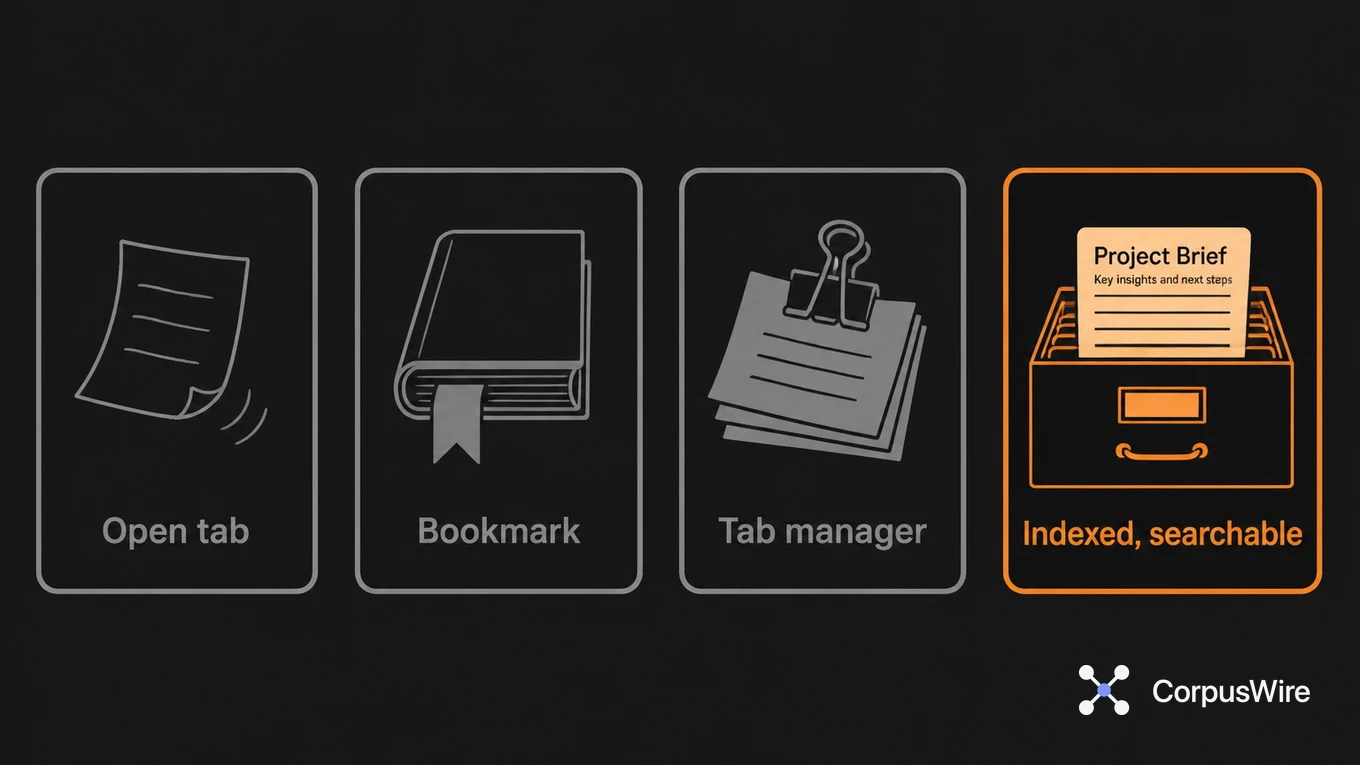
That’s a different kind of tool than a bookmark, too. A bookmark saves the URL, not why you opened the page or what you were about to do with it.
Once that context has somewhere real to go, closing a tab stops being a small act of faith. It becomes routine, the same way filing a physical document is routine once you trust the filing cabinet.
There’s a second cost hiding underneath the memory one: coordination. Forty tabs are forty things only you know about.
A colleague who needs the same research, the same comparison, or the same half-finished thread has no way to find it. They either ask you directly, or they redo the work from scratch, because a tab is private, tied to your browser on your machine.
That’s fine when the work really is solo. It stops being fine the moment two people on a team are independently keeping their own forty-tab version of the same investigation, each unaware the other one exists.
Multiply that across a team of any real size, and the tabs stop being a personal quirk. They become a quiet, distributed duplication of effort, invisible until someone finally asks in a meeting whether anyone’s already looked into this, and three people say yes at once.
The browser crash is the dramatic version of this cost. The everyday version is smaller and more constant: reopening the browser after a restart, scanning forty tab titles to remember what each one was for, and losing several minutes before you’ve even started working again.
That’s not a one-time tax. It repeats every time the browser closes, every time you switch devices, every time you hand a laptop to IT for a reset and watch four months of open context disappear in one click.
FAQ
Does closing tabs regularly actually help, or does it just hide the problem? It hides it. The context you were keeping alive by leaving the tab open doesn’t come back just because you closed it. Bookmarking has the same issue: you’ve saved the URL, not the reason it mattered.
What’s the actual fix, beyond “use fewer tabs”? Somewhere the context gets captured before you’d otherwise close the tab to forget it, in a form you can search later. That’s a retrieval problem more than a discipline one. No amount of willpower makes forty tabs a good index.
Why doesn’t bookmarking the tab solve this the same way? A bookmark keeps the address. It doesn’t keep the reason you opened the page, the half-finished task connected to it, or which other tabs it belonged with. You’d still have to reconstruct all of that from memory later, which is the exact problem the open tab was solving in the first place.
Want this running inside your own org?
Happy to show you how this fits your setup. 30-minute call, your documents, no prep needed.
Book a call →