In the Loop· September 8, 2026
Second Brain Apps: 2026’s Top Tools, and Where They Fall Short
Second brain apps are good. That’s not the problem.
The problem is what they’re built for: one person, on one device, organizing their own notes.
That’s genuinely useful. A well-kept personal knowledge base beats a folder of random files every time.
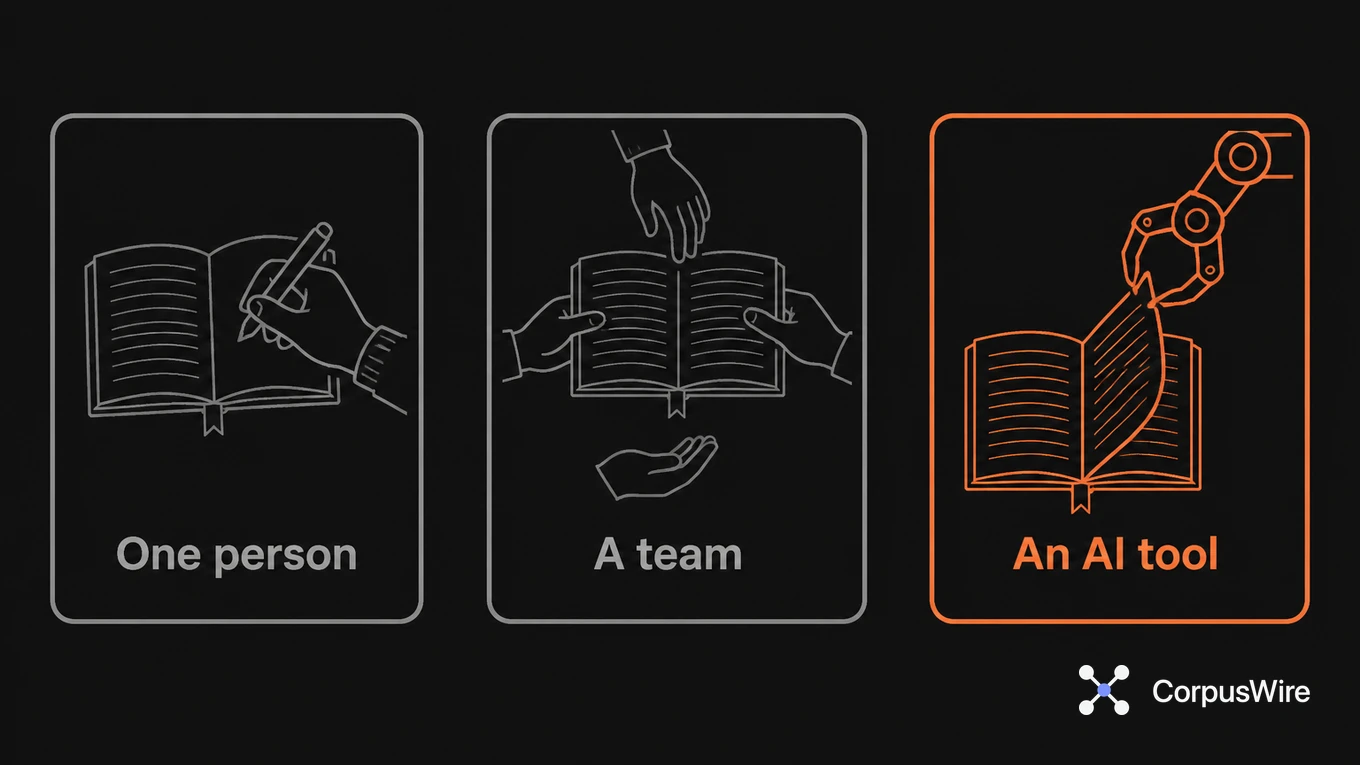
But it caps out the moment a second person needs it. Or a second device. Or an AI tool that needs to query it, not just display it.
That gap is architecture. No future update closes it.
A single-user store assumes one person did the tagging, one person remembers the structure, one person knows why a note lives where it lives.
Hand that same store to a team, or to an AI tool trying to answer a question from it, and the assumptions stop holding.
Nobody agreed on the tags. Nobody’s sure which version is current. The AI tool has no way to tell a stale note from a live one, because nothing in a personal PKM tool was built to make that distinction for a machine.
Picture a five-person team inheriting one person’s personal notebook, the way it happens when that person moves to a different project. The tags made sense to the original owner: shorthand abbreviations, a folder structure built around their own habits, notes that assume context only they had.
The other four can search it. They can even find things, sometimes.
What they can’t do is trust that a note tagged “done” from eight months ago still describes something true. The tagging system was never built to carry that kind of confidence past one person’s own memory of what they meant.
Which app is best has almost nothing to do with it. The best personal tool still hits this ceiling, and so does the second-best.
Neither one’s design brief was ever “shared, always-current source of truth.” It was your notebook, and a notebook works exactly as well as the one person keeping it.
Worth being honest about what doesn’t change here: a second brain app isn’t a bad choice for its actual job. Personal note-taking, personal recall, one person’s thinking made searchable.
Nothing above argues against using one for that. The gap only shows up once more than one person, or a machine, needs to trust what’s in there instead of just being able to read it.
That trust requirement is the real dividing line, and it’s worth naming directly. A team can read a shared folder of notes the same way one person can. What a team can’t do is know, without asking the original author, whether a given note is still accurate, still relevant, or quietly superseded by a decision made in a meeting nobody wrote down.
An AI tool hits the identical wall, just faster and with more confidence. It’ll retrieve the outdated note as readily as the current one and answer from whichever it finds first, because nothing in the store tells it which one actually matters right now.
There’s a tempting workaround: point the AI tool at the export instead of the live notebook. That doesn’t fix anything, it just moves the staleness problem one step further away.
The export is a snapshot. The moment the original owner updates a note back in their own tool, the export is wrong, and nobody’s job is to remember to re-export it.
That’s the kind of gap a team usually only notices after an answer references something that was corrected weeks earlier, once someone happens to check the date.
Access is the third piece, separate from tagging and version control. A personal tool’s permission model is usually all-or-nothing: you can see the whole notebook or none of it.
One person never notices, because one person is always cleared for everything they wrote. A team notices the moment it wants an AI tool to answer from shared notes while keeping certain sections restricted.
The personal tool has no concept of “this section, not that one” built in. It was never asked to have one.
None of this means the underlying idea, capturing what you know so you can find it later, is wrong. It means the tool built for capturing one person’s thinking isn’t the same tool as the one built for making that thinking safely usable by other people or by a machine.
Conflating the two is where most teams get stuck. They pick the best personal tool, hand it to five people, and wonder why the AI layered on top gives inconsistent answers.
The tool did exactly what it was built to do. It just was never built for the job it’s now being asked to perform, and no amount of picking a “better” personal tool changes that.
FAQ
Is this true for every personal knowledge tool, or just some of them? All of them, by design, including the ones built specifically to feel collaborative. Adding a share link or a comments feature doesn’t change what the underlying store assumes about who’s maintaining it. A tool marketed as “built for teams” can still have exactly this problem if nothing in it actually tracks version currency or enforces shared tagging discipline.
What actually changes once you need shared, AI-queryable knowledge instead of personal notes? Version control on what’s current. A structure a machine can parse without a human’s memory filling in the gaps. Access that doesn’t depend on one person’s device being on. None of that is what a personal second brain tool was built to do.
Can a team just agree on shared tagging rules and fix this themselves? It helps, but it doesn’t fully fix it. Shared rules solve the vocabulary problem. Version control is a separate gap. A personal tool still has no built-in way to mark a note as superseded rather than just old, so a human still has to notice and update it by hand.
Want this running inside your own org?
Happy to show you how this fits your setup. 30-minute call, your documents, no prep needed.
Book a call →