In the Loop· August 28, 2026
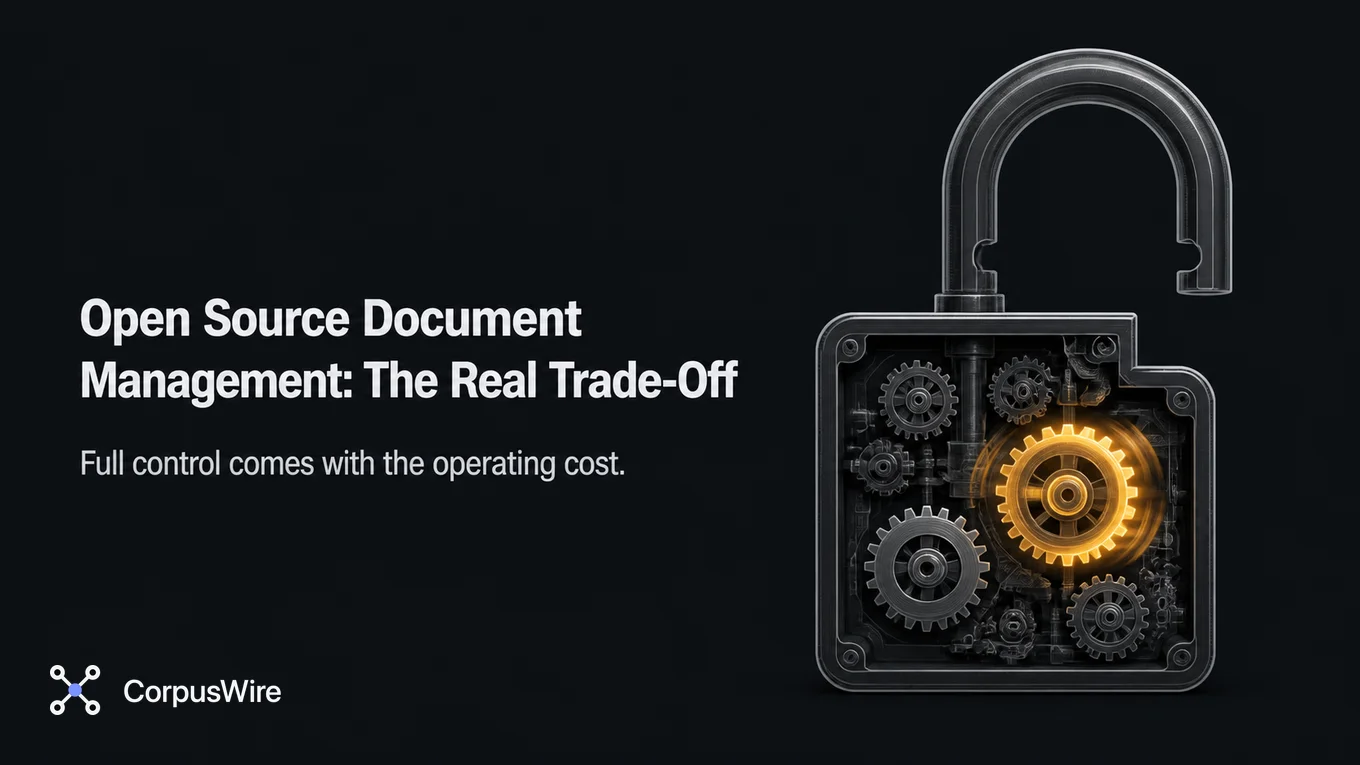
Open source document management: the real trade-off
Contents
Open source document management gives you full control over your documents and zero licensing fees.
It also makes you responsible for hosting, security patches, backups, and every integration.
Most comparisons skip straight past that trade-off to a feature checklist, a strange place to start.
If you’re evaluating whether to self-host, forget the checklist. Does your team have someone who can own a running system, day to day, patches and all, or does it just have people who need somewhere to put files?
What “open source document management” actually means
An open source document management system isn’t just a shared drive. Tools like Nextcloud, Paperless-ngx, and Alfresco Community Edition version files, apply permissions per document or folder, log who touched what and when, and support workflow rules like approvals or retention schedules.
What separates a real document management system from a folder of PDFs on a network share is the index: findable by more than its filename. It also keeps an audit trail: who touched it, and when.
Open source means the source code is publicly available, under licenses like AGPL or Apache 2.0 depending on the project. It doesn’t mean zero cost. The cost just moves, from a vendor’s invoice to your own team’s time.
What you gain
No licensing fees. The software itself costs nothing. For a small team evaluating a five-figure annual SaaS contract, that alone can justify the evaluation.
Full control, no lock-in. Your documents live on infrastructure you control, which settles most compliance questions about data location and access. Because everything stays in formats you can read, leaving later doesn’t require a migration project, just a reason to.
Customization without a sales call. With the source code in hand, you build the custom workflow or odd permission rule yourself, instead of filing a feature request and waiting on someone else’s roadmap.
What you give up
Someone has to run it. Self-hosting means someone on your team owns uptime, patching, backups, and version upgrades for as long as the system exists.
Skip a security patch on a document system holding contracts or HR files and you’ve created real exposure, not a minor inconvenience.
No safety net. When something breaks in a proprietary tool, you open a ticket. When something breaks here, you’re reading the provenance logs and the project’s GitHub issues yourself, or paying a consultant, and the integrations you assumed would exist often don’t.
The savings depend on team size. A five-person team with someone already comfortable running a server usually comes out ahead of a SaaS contract. A fifty-person team without dedicated IT capacity often pays more in staff hours than it would have paid a vendor.
A few names worth knowing
The open source document management space isn’t one tool, it’s a handful of projects built for different jobs.
Nextcloud started as file sync and sharing. Its Files app now covers version history, tagging, and permission rules, closer to a self-hosted Dropbox with document management layered on top.
It’s the easiest of the three to get running, which also makes it the easiest to underestimate for anything beyond basic storage and sharing.
Paperless-ngx is built for scanned paper documents: it OCRs incoming files, tags them automatically, and gives you a searchable index of documents that started life on paper.
If your real problem is a filing cabinet full of PDFs nobody can find again, this is a closer fit than a general file-sharing tool.
Alfresco Community Edition is the heaviest of the three: full workflow engine, records management, retention schedules, and enterprise-grade permission models. It’s also the one most likely to need a dedicated administrator, not just someone willing to run docker compose up and hope.
None of these are drop-in replacements for each other. Picking one starts with naming your actual document problem, not counting checkboxes on a comparison chart.
Three questions that matter more than any feature comparison
- Does someone already own infrastructure like this? If your team already runs its own servers or a self-hosted stack elsewhere, adding a document management system is incremental work. If nobody has ever patched a Linux server, close that gap first.
- What’s the actual compliance requirement, versus a preference? “We’d rather control our own data” is a preference; “our contract requires documents to stay on infrastructure we directly control” is a requirement. Only the second one should override a real maintenance capacity gap.
- What does downtime cost you? A managed vendor carries an uptime SLA; a self-hosted system’s uptime is whatever your team delivers. If a day of downtime is a minor annoyance, the risk is manageable, but if it stops contracts from closing, no licensing savings makes up for it.
Storage isn’t the same problem as retrieval
Everything above is really one question dressed up as a feature comparison: who’s accountable for keeping this thing running. It answers a narrower question underneath that one: where a document lives, who can see it, and what happened to it.
It doesn’t answer whether anyone can find the right clause in the right contract without opening a dozen files by hand. Neither does a well organized folder structure with airtight permissions.
A folder named contracts/2024/ with airtight permissions is still just a folder. Someone, or something, still has to open every file in it to answer “which of our vendor contracts have an auto-renewal clause.”
That’s a separate, second layer: an indexed, queryable view over whatever document store you’re already running. A document management system is the foundation.
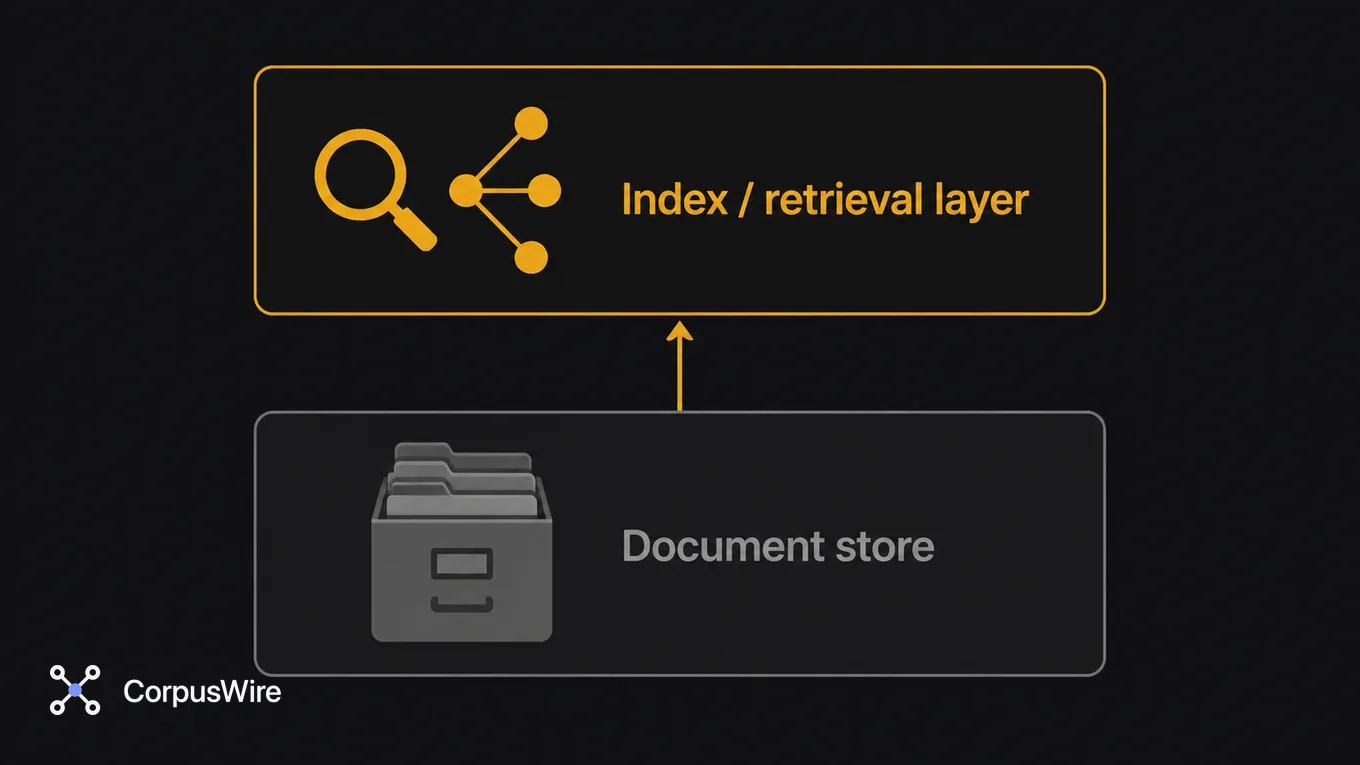
Whether an AI tool working on your behalf can answer a question about your documents, instead of just listing files that might contain the answer, depends on that second layer existing at all.
Choose open source when you want control and have someone accountable for running the system day to day. Choose a managed platform when the license fee costs less than building that operational capacity yourself. Either way, storage alone was never going to be the finish line.
FAQ
Is open source document management actually free to run? No. The license is free, but running it costs staff time, which is only free if that time was otherwise idle. A five-person team already comfortable with servers usually comes out ahead of a SaaS contract; a team without spare IT capacity usually doesn’t.
What’s the biggest mistake teams make evaluating open source document management? Comparing feature lists and stopping there. A tool with every feature you need is still the wrong choice if nobody can own patching it, backing it up, and keeping it running, because something always breaks on a Friday at 6pm. No amount of features fixes an unowned system.
Want this running inside your own org?
Happy to show you how this fits your setup. 30-minute call, your documents, no prep needed.
Book a call →