In the Loop· August 22, 2026
Document Management System vs. Cloud Storage

Contents
A document management system does four things a folder in Dropbox or Google Drive doesn’t. It tracks who changed a file and when. It lets you find a document by what’s in it, not just its filename.
It controls who can see or edit each file, down to the individual document. And it keeps a record of every access and change. When someone asks “who touched this and why,” there’s an answer that isn’t a guess.
Cloud storage gives you a place to put files. A document management system gives you a way to govern them. That distinction is where most of the confusion starts, because “we already have Drive” is the single most common reason teams put this decision off for another year.
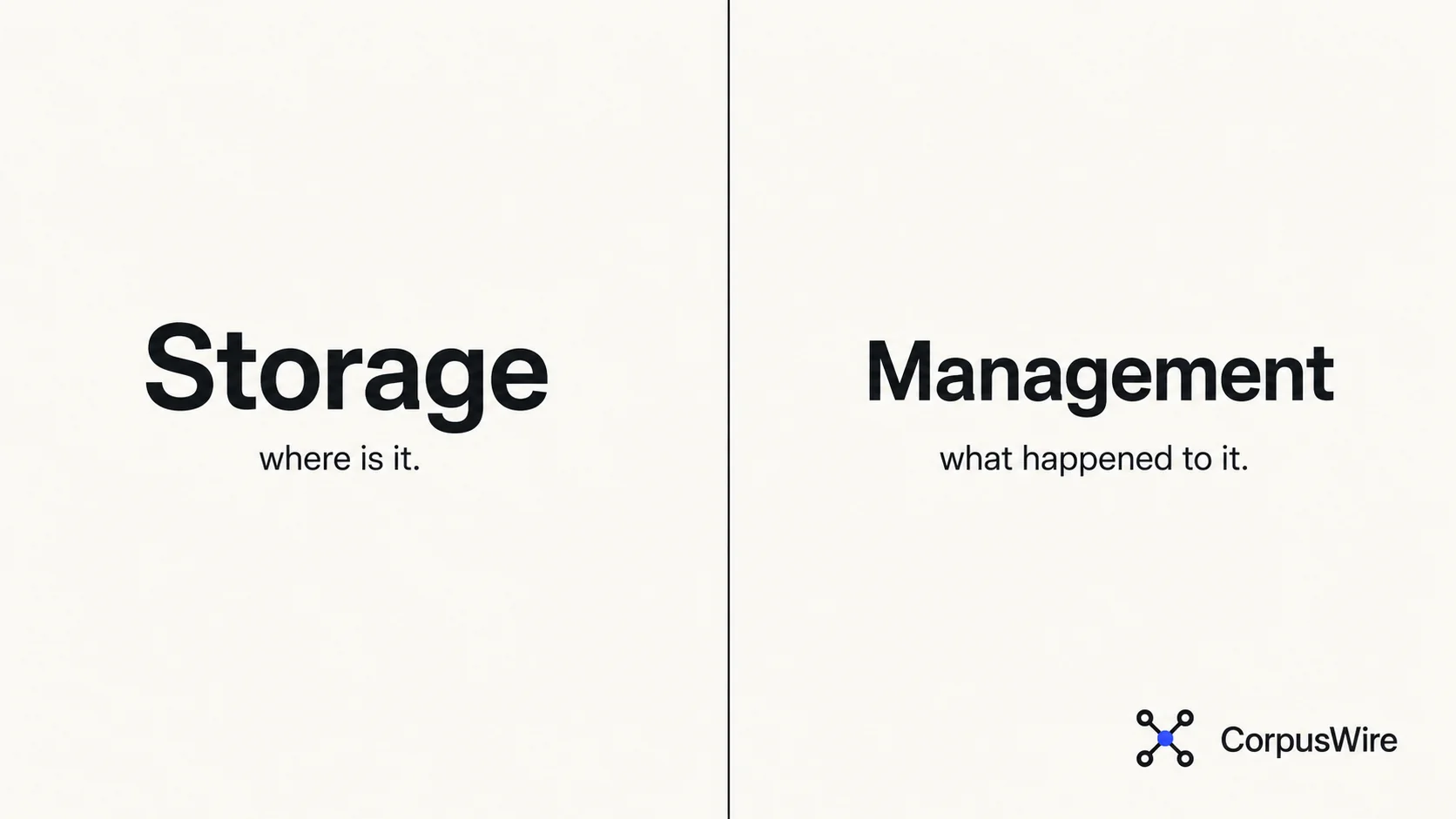
Storage answers “where is it.” Management answers “what happened to it.”
Cloud storage solved a real problem: files used to live on someone’s laptop, and now they don’t. That’s genuinely useful. But storage stops at “the file exists and I can open it.”
It doesn’t know that version 4 replaced version 3 because legal flagged a clause. It doesn’t know that three people have the same document open right now with different edits. It doesn’t know that a contractor’s access should have expired two projects ago.
AIIM, the industry association that tracks terminology in this space, defines document management as software that controls and organizes documents throughout an organization. It covers capture, workflow, document repositories, and retrieval, not just storage.
Storage tools skip most of that. A file in Drive has a location. A document in a management system has a history.
What a real document management system does
Version control that means something. Not “Copy of Copy of contract_final_v2.docx.” A real system tracks every revision, who made it, and what changed. It lets you roll back without hunting through someone’s Sent folder for the last good version.
Search that works on content, not filenames. Most teams underestimate this until they’re three years in and can’t find a specific clause across 4,000 PDFs. A document management system indexes what’s inside a file, not just what it’s called. That’s retrieval: finding the document that answers your question, not guessing at naming conventions someone abandoned two reorgs ago.
Access control at the document level. Cloud storage mostly gives you folder-level permissions. A management system can restrict a single contract to three named people while the rest of the deal folder stays open to the whole team, and revoke that access the moment someone leaves.
An audit trail that survives a dispute. Who opened this file. Who edited it. Who approved it and when.
In a compliance review or a “wait, who signed off on this” moment, that record either exists or it doesn’t.
Workflow and approval routing. Documents move through people before they’re final: draft, review, approval, sometimes several rounds with legal or finance. A management system routes a document through that chain automatically, notifies the next reviewer the moment it’s their turn, and keeps the audit trail of every step. That routing layer is what document workflow automation actually replaces.
Why this matters more once AI is reading your documents too
It’s not just people who need the right version of a document anymore. An AI assistant answering questions from your company’s material is only as accurate as the layer feeding it.
Point an AI at a shared drive full of duplicate files and abandoned drafts, and you get confident wrong answers pulled from whichever stale copy it indexed. The AI doesn’t know it grabbed the wrong version. It just answers, fluently, from whatever it found.
Treating document management as infrastructure, not a filing cabinet, is what fixes that. A well-managed corpus, meaning a governed, deduplicated, current set of documents with real version control, is what makes retrieval reliable in the first place.
That holds whether the thing doing the retrieving is a person searching for a contract or an AI assistant answering a policy question. Feed an AI system a mess and it retrieves the mess, with total confidence. Nobody notices until the wrong answer lands in front of a client or an auditor.
The teams getting real value out of AI on their own documents did the unglamorous work first. They deduplicated files, killed off the thirty abandoned drafts of the same policy, and settled on one current version instead of six.
That’s document management. The AI layer on top is only as good as what’s underneath it.
Who actually needs this, and who doesn’t yet
If your team is under ten people and nobody’s ever had to prove who approved something, cloud storage is probably fine. Don’t buy infrastructure you don’t need yet.
The calculus changes once a few things become true. You have contracts or policies where “which version is current” has already caused a real problem. You’re subject to compliance requirements that demand a genuine audit trail, not just a promise that one exists somewhere.
You’ve got enough people touching the same documents that “final_v3_ACTUALFINAL_useTHISone.docx” is a running joke in the team chat, not an exaggeration. Or you want an AI tool to answer questions from your own documents with real accuracy.
Retrieval is only as good as what it’s retrieving from. A shared drive full of duplicates and dead drafts is a bad foundation, no matter how good the AI on top of it is.
None of that means jumping straight to the most expensive platform on the market. It means being honest about which of those problems you actually have, and picking a system that solves that one instead of buying a feature list you’ll use ten percent of.
FAQ
Is a document management system the same as cloud storage? No, cloud storage hosts files and gives people a shared place to put them. A document management system adds version control, content-based search, granular access permissions, and an audit trail on top of that storage layer. Some products bundle both; the distinction is about capability, not the vendor.
Do I need a document management system if I already use Google Drive or SharePoint? It depends on what you’re trying to solve. Drive and SharePoint both offer some management features, like basic version history and folder permissions, but neither was built primarily for compliance-grade audit trails or content-level search at scale. Teams often outgrow the built-in features long before they outgrow the storage itself.
What’s the difference between a document management system and a knowledge base? A document management system controls and tracks documents. A knowledge base makes information findable and answerable, often by turning those documents into something a person or an AI system can query directly. The two increasingly overlap, since a well-managed document set is what a good knowledge layer needs underneath it.
Want this running inside your own org?
Happy to show you how this fits your setup. 30-minute call, your documents, no prep needed.
Book a call →